

Free
Try Klime every day.
$0forever
- 1 AI request per calendar day
- Shared across chat, summaries, YouTube, email and images
- Local notes and saved pages
The single daily request is shared by all AI features — not one per feature.
Klime lives in your browser’s side panel. Summarize any article or YouTube video in seconds, translate, answer emails — or hand a whole task to Klime Agent and watch it work.
Free to start · No account needed
Animated demo: Klime in the browser side panel summarizing an article, filling in a form as an agent, summarizing a YouTube video and drafting an email reply
Describe a task in plain words. Klime Agent reads the page, clicks, types, scrolls and switches tabs — step by step, right in front of you.
Each click and keystroke shows up in the panel, and Stop is always one click away.
Klime pauses for your OK before it submits, sends, buys or deletes anything.
It never types passwords or payment details and doesn’t try to solve CAPTCHAs.
Stop jumping between tabs and tools. Everything you need sits right next to the page you’re reading.
Long reads, reports and docs become clear key points in seconds.
00:4204:1509:30
Get the key ideas of any video without watching it all.
Translate a page or a selection into your language instantly.
Draft and polish Gmail replies in your tone. You decide when to send.
Describe what you want and Klime creates it right in the panel.
Trees and shade cut street heat the most. Lighter pavements reflect more sunlight. Upkeep and water are the main trade-offs.
Select text, thenAsk AIHighlight text, right-click “Ask AI” and get an answer in context.
Talk instead of typing — your words land straight in the chat.
Save the prompts you use every day and run them on any page.
Klime AI Companion — also known as Klime AI Agent — is a browser extension that brings an AI agent into the side panel of Chrome and Edge. It reads the page you choose, then summarizes, explains, translates, writes and creates images right beside it.
Looking for “Klime AI Companion” or “Klime AI Agent” in your browser’s add-on store? It is the same extension, published by FitzTools.
Answers come from the page you have open, not from a blank chat window.
Klime sends page context only when you use it. Klime Agent acts on a page only for a task you start, shows every step and asks before sending, submitting or buying.
The same Klime AI Agent for Chrome and Edge, with one free AI request every day.
Screens from our store listing: page summaries, translation, one-click actions and YouTube, all in the side panel.
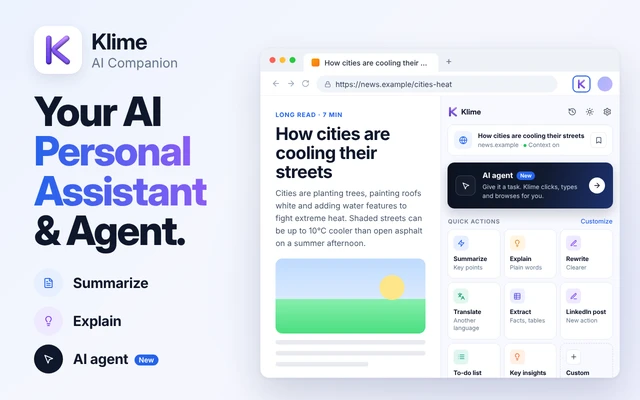
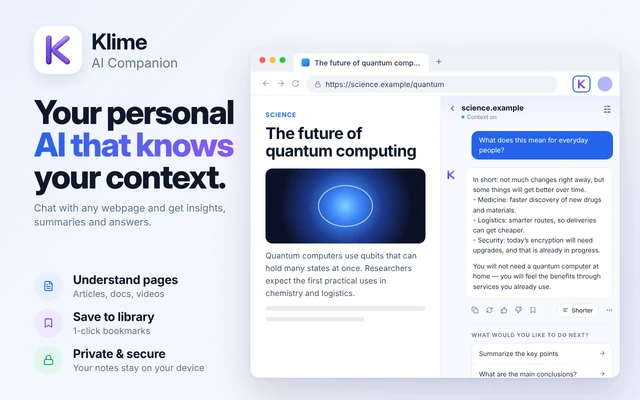
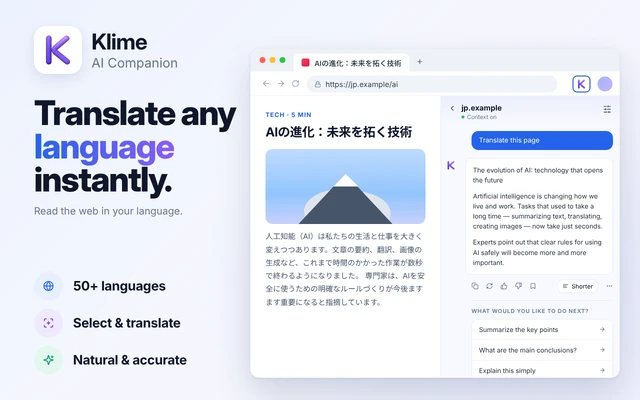
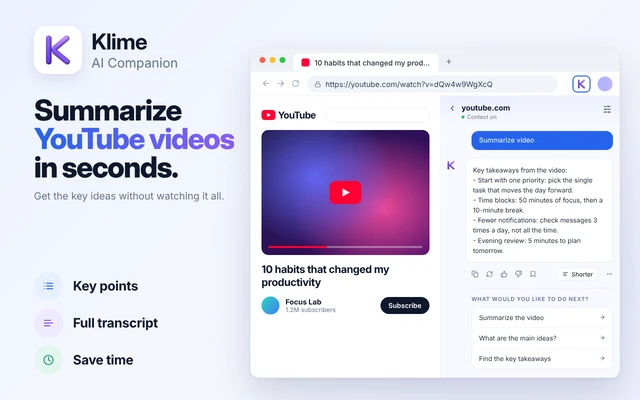
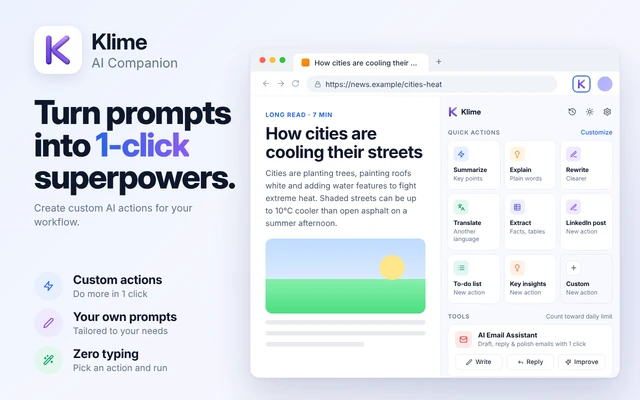
No account and no setup wizard. Install, pin and ask.
 Add to Chrome
One click on the Chrome Web Store or Microsoft Edge Add-ons.

Click the puzzle icon and pin Klime so it’s always one click away.
Open the side panel with the icon or the shortcut — and just ask.
Klime reads a page only when you ask, runs nothing in the background and never sells your data.
Read the Privacy PolicyPage content leaves your browser only for a request you send.
No sign-up and no password — just a random install ID for billing.
Chats, notes and settings are stored locally until you clear them.
Your data is never used for advertising and never sold.
Free to install. Your first AI request every day is on us.
One free AI request every day, forever. Go Pro when you want to keep going.
Try Klime every day.
$0forever
The single daily request is shared by all AI features — not one per feature.
Start with a 3-day free trial.
$4.99per week
A payment method is required to start the trial. Unless you cancel before it ends, the trial converts to $4.99 per week and renews every week.
For everyday browsing and writing.
$9.99per month
Renews automatically each month until you cancel.
The lowest cost over a year.
$39.99per year
Renews automatically each year until you cancel.
Upgrade inside Klime. Plans are chosen in the extension. Checkout opens on Dodo Payments, which shows the exact amount and currency before you pay. Prices in USD.
Add Klime to ChromeKlime AI Companion is a browser extension that puts an AI assistant in your browser side panel. You can ask questions about the page you are reading, summarize articles, explain difficult passages, translate, rewrite text, draft email replies and generate images, without leaving the tab you are on.
Yes. Klime AI Agent and Klime AI Companion are two names for the same browser extension by FitzTools. The store listings use the full name, Klime AI Companion; many people simply call it Klime or Klime AI Agent.
Open Klime from the toolbar icon or with the keyboard shortcut. While the panel is open, Klime reads the page context in your browser. When you send a message or use a quick action, your request, recent chat turns and the page excerpt go through the Klime proxy to OpenRouter to generate the answer. Nothing is sent until you ask.
Yes. On YouTube videos that have a transcript, Klime can fetch it to summarize the video and answer questions about it. If a video has no transcript, Klime cannot summarize what is said.
Yes. In Gmail, Klime can draft new emails, suggest replies to the open message and polish your wording. The draft is inserted into the compose field so you can review and edit it.
No. Klime never clicks Send. It does not use the Gmail API, does not sign in to your Google Account and does not list or download your inbox.
Yes. Klime can translate selected text and page content, and you can ask questions about a foreign-language page in your own language. Quality depends on the language pair and the text.
Klime has a free tier with one AI request per calendar day. To keep using AI the same day, choose Weekly ($4.99 per week after a 3-day free trial), Monthly ($9.99 per month) or Yearly ($39.99 per year). See Pricing.
One per calendar day, shared across all AI features. Chat, a page summary, a YouTube summary, an email draft or an image each use that same request. It is not one free request per feature.
Use the receipt or customer-portal link from Dodo Payments, or Klime's restore flow, which emails that portal link to your checkout address. Cancel before the trial or renewal date to avoid the next charge. Uninstalling Klime or clearing browser storage does not cancel a subscription.
No. Klime does not collect your browsing history as a list. It reads page context only while its panel is open or when you use Ask AI.
It goes to the Klime proxy on Railway and on to OpenRouter only to generate your answer. It is processed transiently; we do not keep a long-term database of your prompts or page content. Conversation history stays on your device. See the Privacy Policy.
Google Chrome (Chrome Web Store) and Microsoft Edge (Edge Add-ons). Klime is designed around the Chrome side panel, so some features may behave differently in other browsers.
Read the Privacy Policy and the Terms of Use. Both are specific to Klime AI Companion and published in English.
Add Klime in one click and try it on the page you’re reading right now.